What's new?
New Feature: Bulk Add History Notes for Referrals
Why does it matter?
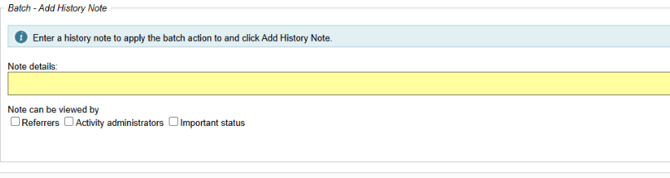
We have added the new feature to the Batch Actions menu on the List Referrals page, designed to improve efficiency and streamline workflows for users managing multiple referrals.
The new bulk add history note feature allows users to add a history note to several referrals at once. It's particularly useful when you need to record communication with referrals outside of the system; adding a batch note ensures their history is updated accordingly whilst being a huge time-saver.
Currently, users must add history notes individually to each referral. This manual process can be time-consuming, especially for those handling high volumes of referrals.
By introducing a bulk action for adding history notes, we have significantly reduced repetitive tasks, improved productivity, and helping users maintain clear and consistent documentation across their referral records.
How it works