1. What's new?
APPLIES TO: All users
The currently selected account (also known as scheme provider) is now clearly displayed at the top of the main screen, alongside the existing account and user information.
Why does it matter?
This makes it easier to quickly confirm which account you are currently working in, particularly when managing or cross-checking schemes.
The account will be displayed for all users, including those who only have access to a single account.
How it looks

2. What's new?
APPLIES TO: Users with Manager's View set up
Manager's Views now show the account/scheme provider
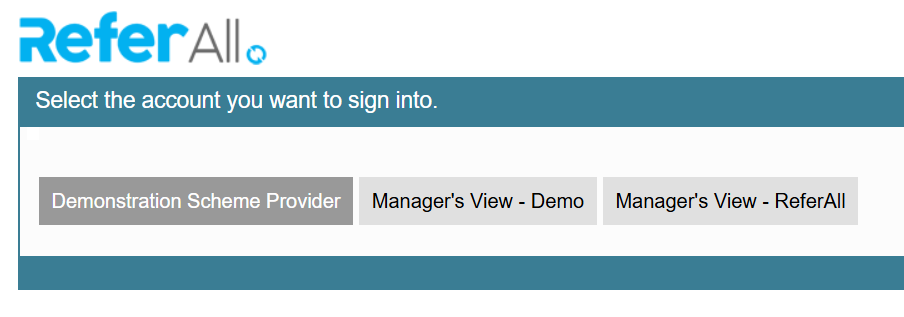
We have updated Manager's Views so that when a user has access to multiple Manager's Views, each view clearly shows the relevant account.
Previously, all Manager's Views were displayed with the same name, making it difficult for users with access to multiple account to tell which account they were selecting.
Manager's Views will now include the account name, making it easier for users to identify and select the correct account.
Why does it matter?
This change makes it easier for users to identify the correct Manager's View at a glance, particularly when they have access to multiple accounts.
It provides greater clarity when selecting an account and helps users get to the correct view more quickly.
How it looks
When changing account (using the Change Account button in the top right corner), your splash screen will now display each Manager's View and account name: